 PBros
PBros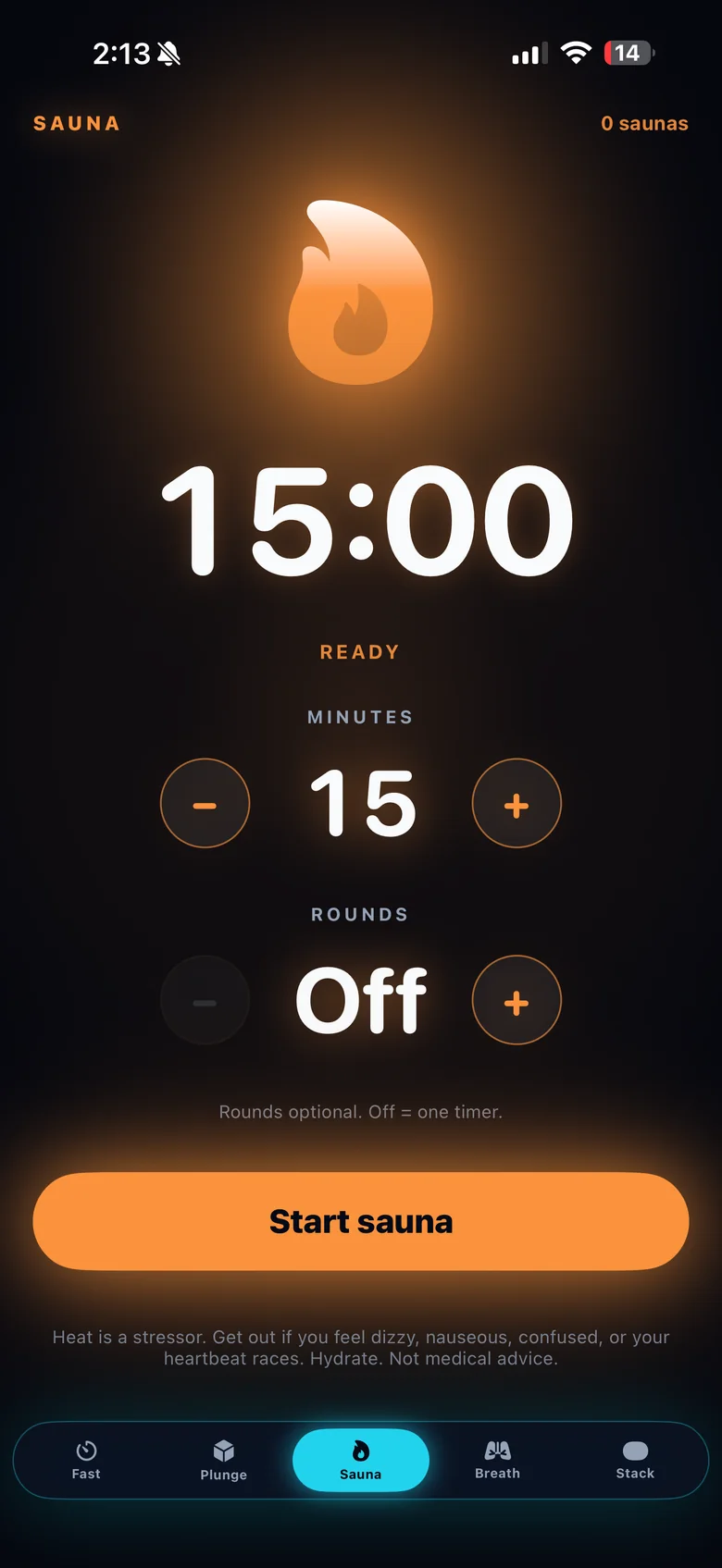
How to run a contrast session with PBros
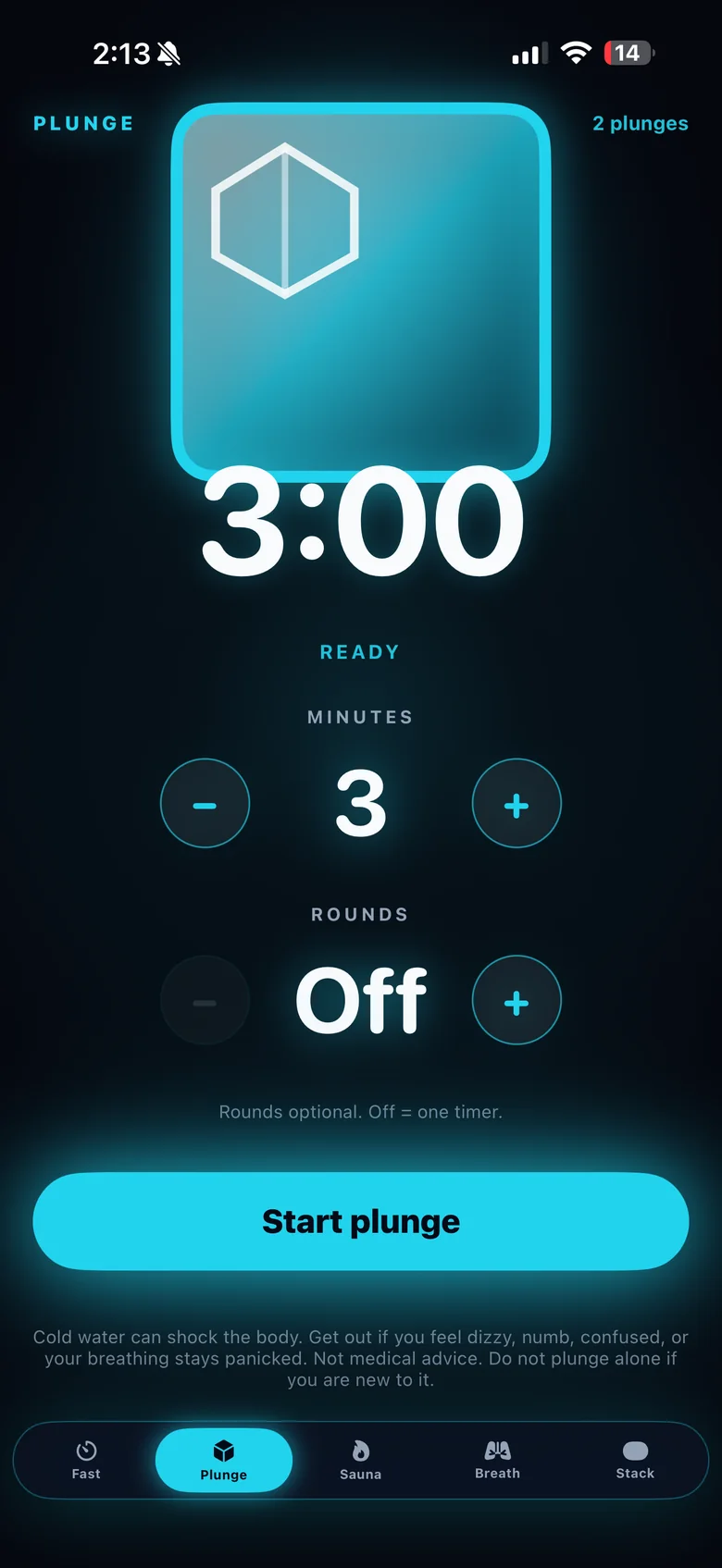
- Set up both timers first. In the Sauna tab, set your heat minutes. In the Plunge tab, set your cold minutes.
- Start with heat. Start the sauna timer — on your Apple Watch is easiest.
- Switch to cold. When the sauna round ends, step out, then start the plunge timer.
- Rest between. Take a minute or two to breathe and let your body adjust before the next round.
- Repeat for as many rounds as you planned — many people do 2–3 — and stop early if you feel unwell.
Each completed session is saved to your history on your iPhone, so you can see your hot and cold days over time.
A simple way to start
Keep the first few sessions short and easy: a comfortable sauna round, a brief cold round, and a rest. Add time or rounds only once it feels routine. Big temperature swings put real load on your body, so if you have a heart condition, high or low blood pressure, are pregnant, or are under medical care, check with a clinician first. Never do cold water alone in open water.
Safety and your gear
- Keep your iPhone dry and out of the sauna — use the Apple Watch timers.
- Drink water, and skip alcohol.
- Get out of the heat or the cold any time you feel dizzy, faint or unwell.
More guides
Read the sauna timer and cold plunge timer guides, or pair your sessions with a fasting timer.
Get PBros for iPhone and Apple WatchOne-time $4.99 · No subscription · No ads · No account

FAQ
- Does PBros have a dedicated contrast mode?
- Not as a single combined timer. You use the Sauna and Plunge timers back to back, each with optional rounds.
- Can I run both timers from Apple Watch?
- Yes. The Apple Watch app includes the Fast, Plunge and Sauna timers.
- Is there a subscription?
- No. PBros is a one-time $4.99 purchase with no ads and no account.
Related guides
PBros is a timer and reminder app. It doesn’t diagnose, treat or give medical advice. For adults 18+.