 PBros
PBros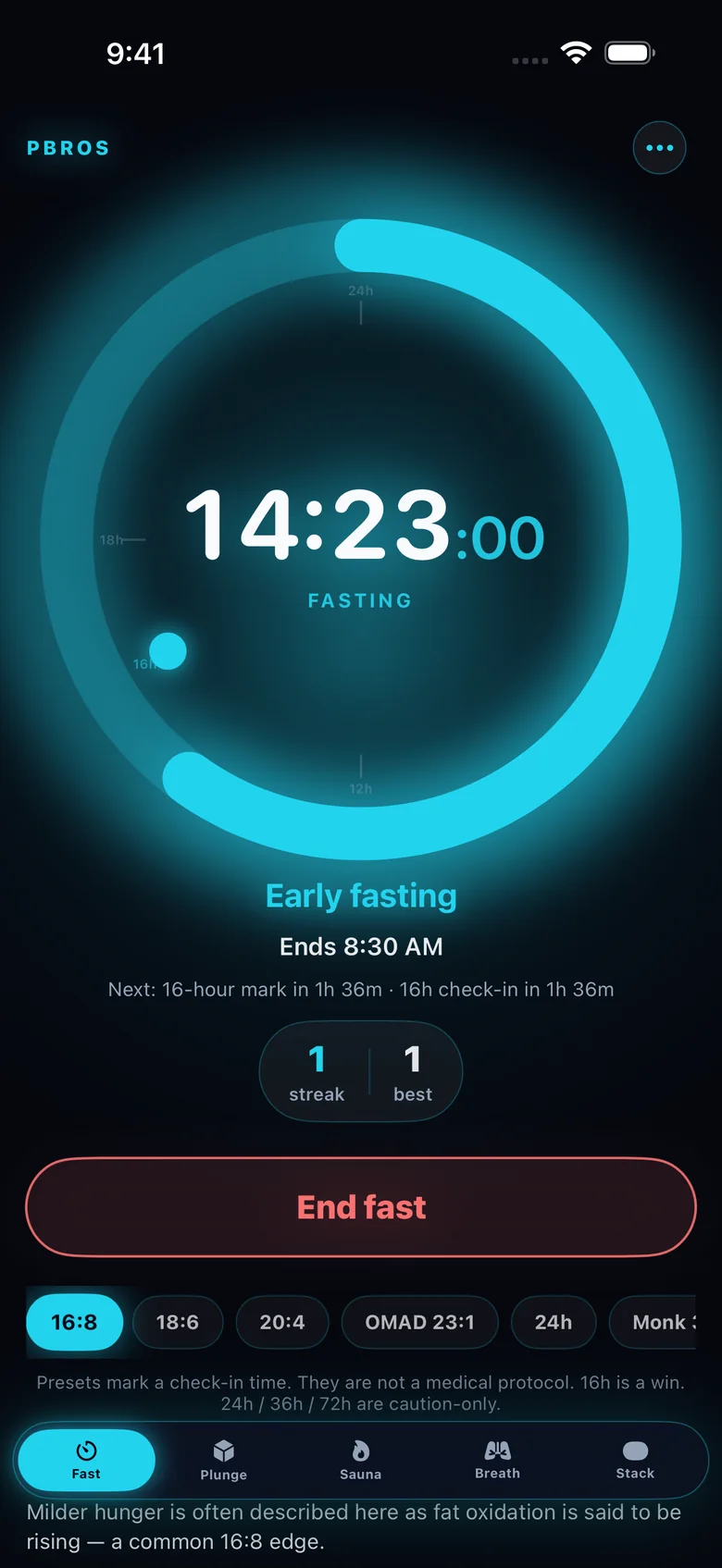
Updated October 3, 2026 · General information, not medical advice.
The quick comparison
- 16:8 — 16 hours fasting, 8-hour eating window (for example noon–8 PM). The usual starting point.
- 18:6 — 18 hours fasting, 6-hour window (for example 1 PM–7 PM). Usually two meals.
- 20:4 — 20 hours fasting, 4-hour window (for example 3 PM–7 PM). Often one larger meal plus a smaller one.
- OMAD — about 23 hours fasting with one meal. See the OMAD guide.
Example 18:6 day
Finish dinner at 7 PM. Skip breakfast. Your fast ends at 1 PM the next day, so lunch is your first meal and dinner is your last. For most people 18:6 feels like 16:8 with a slightly later lunch and an earlier cut-off at night.
Example 20:4 day
Finish eating at 7 PM and open your window at 3 PM the next day. Most people fit in a late lunch and dinner. Because the window is short, planning meals ahead makes 20:4 a lot easier to stick with.
Stepping up gradually
Most people don’t jump straight from 16:8 to 20:4. A common approach is to stay on 16:8 until it feels routine, then move your first meal an hour later every week or so. If a longer fast feels bad, there’s no rule against going back to a shorter one. A schedule you can repeat matters more than the biggest number.
Tracking 18:6 or 20:4 with PBros
PBros has 16:8, 18:6, 20:4, OMAD and 24h presets plus custom lengths. Tap one when you finish eating and PBros shows your live fasting time, the clock time your fast ends, and a short note for the stretch you’re in. These notes are general and educational, not lab readings. The widget and Live Activity keep the countdown on your Home Screen and Lock Screen, and the Apple Watch app has it on your wrist.
Run 18:6 or 20:4 with one tap in PBrosOne-time $4.99 · No subscription · No ads · No account

FAQ
- Which is harder, 18:6 or 20:4?
- 20:4 has a shorter eating window, so most people find it harder to fit in their meals. That’s why many step up from 16:8 to 18:6 before trying 20:4.
- Can I switch between 16:8, 18:6 and 20:4?
- Yes. In PBros you choose the preset each time you start a fast, so you can mix schedules across the week.
- Does PBros tell me which schedule to follow?
- No. PBros is a timer. It tracks the schedule you choose and doesn’t give medical or diet advice.
- How much does PBros cost?
- A one-time $4.99 on the App Store. No subscription, no in-app purchases, no ads.
Related guides
PBros is a timer and reminder app. It doesn’t diagnose, treat or give medical advice. For adults 18+.